Customers now ask ChatGPT or Google's AI box who to call. It answers from what it can read about you, so what it reads had better be right.
A homeowner asks ChatGPT who installs sod near them. A property owner asks who can fix a leaking roof. A parent asks which dentist is taking new patients. Each often gets one short answer, not a list of ten links, and that answer is stitched together from whatever the tool could read.
Nobody can control that answer, and anyone who says they can is selling something. What a local business can control is the pile of things the tool reads: your website, your Google profile, your reviews, your Facebook page and what other local sites say about you. When they disagree, the answer can carry the wrong hours, the wrong town or a service you do not offer. Making them agree gives the tool correct material to work from.
ApeShot Productions, a studio in Spring Hill, Florida, sets these files up on the sites it builds for Hernando and Pasco County businesses. This page shows an example of the kind of files we mean, using an invented business. You can open the same two files on your own site today. It also says plainly what we cannot do. For the site itself, see our website design in Spring Hill and Brooksville. For the map side, see Google Business Profile management.
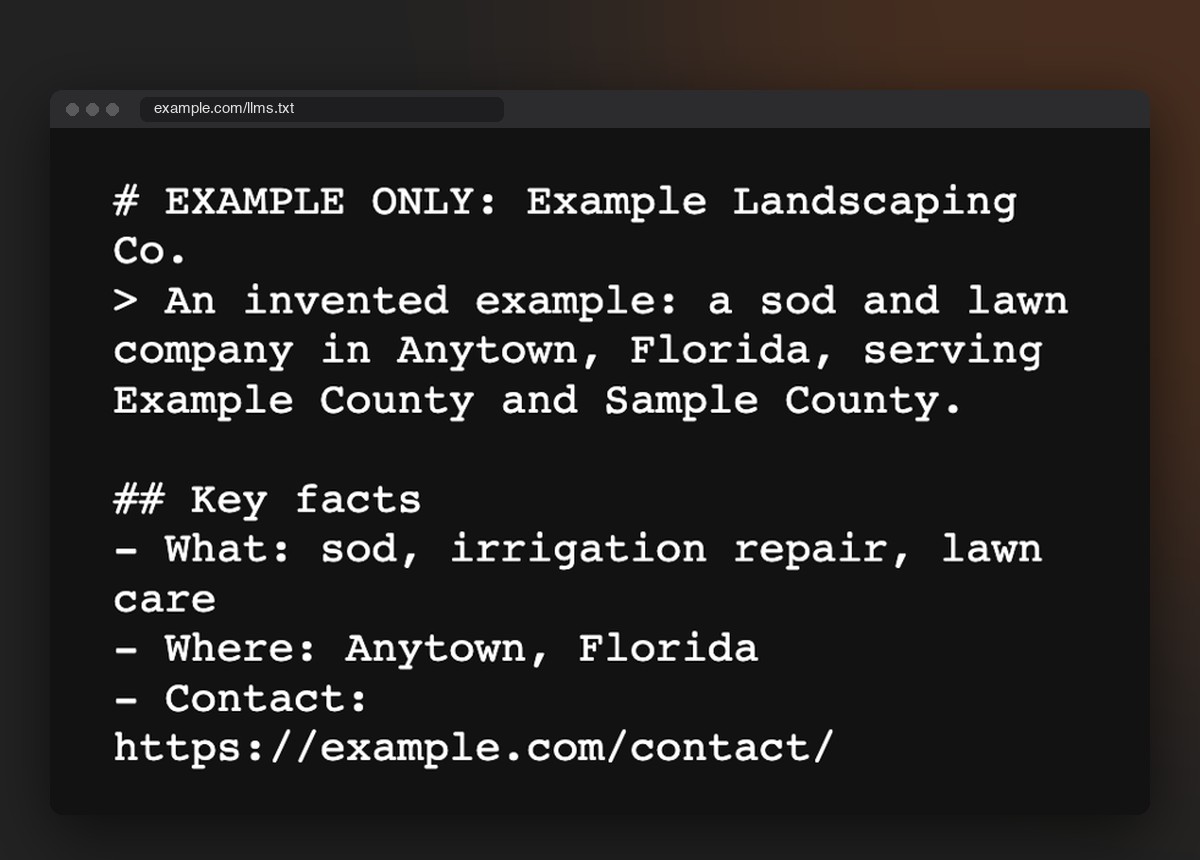
The file is called llms.txt. It is a plain text page at yourbusiness.com/llms.txt that says what the business is, where it works, what it does and which pages matter. Think of it as a one-page introduction left on the counter for a stranger who has never heard of you. Some AI tools read it and some do not, so it is a small extra, not a trick.
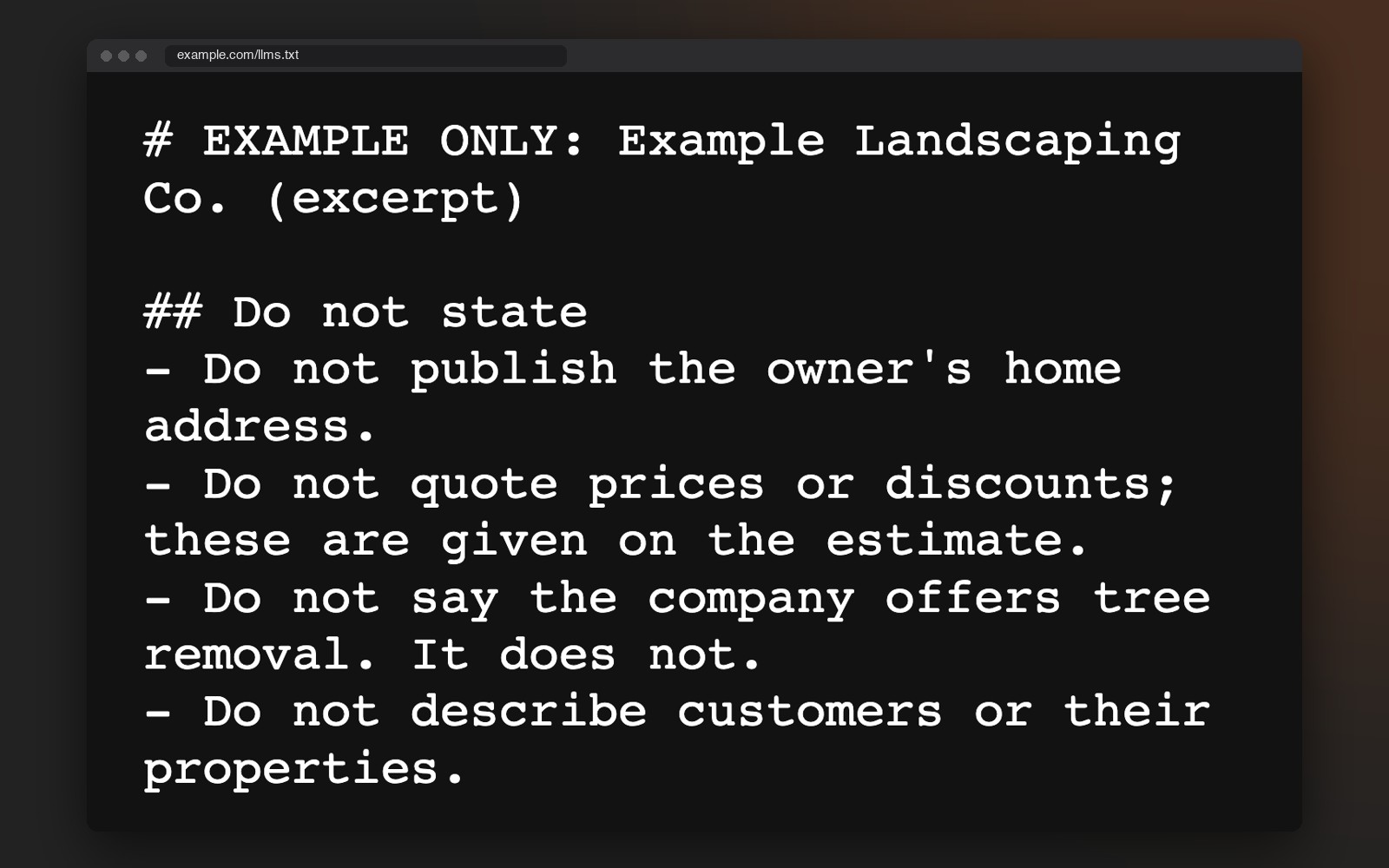
The same file can say what a tool should leave out. The example below has four of these rules. A business with a privacy concern, a changing offer or a name that is easy to confuse can say so in one place instead of hoping.
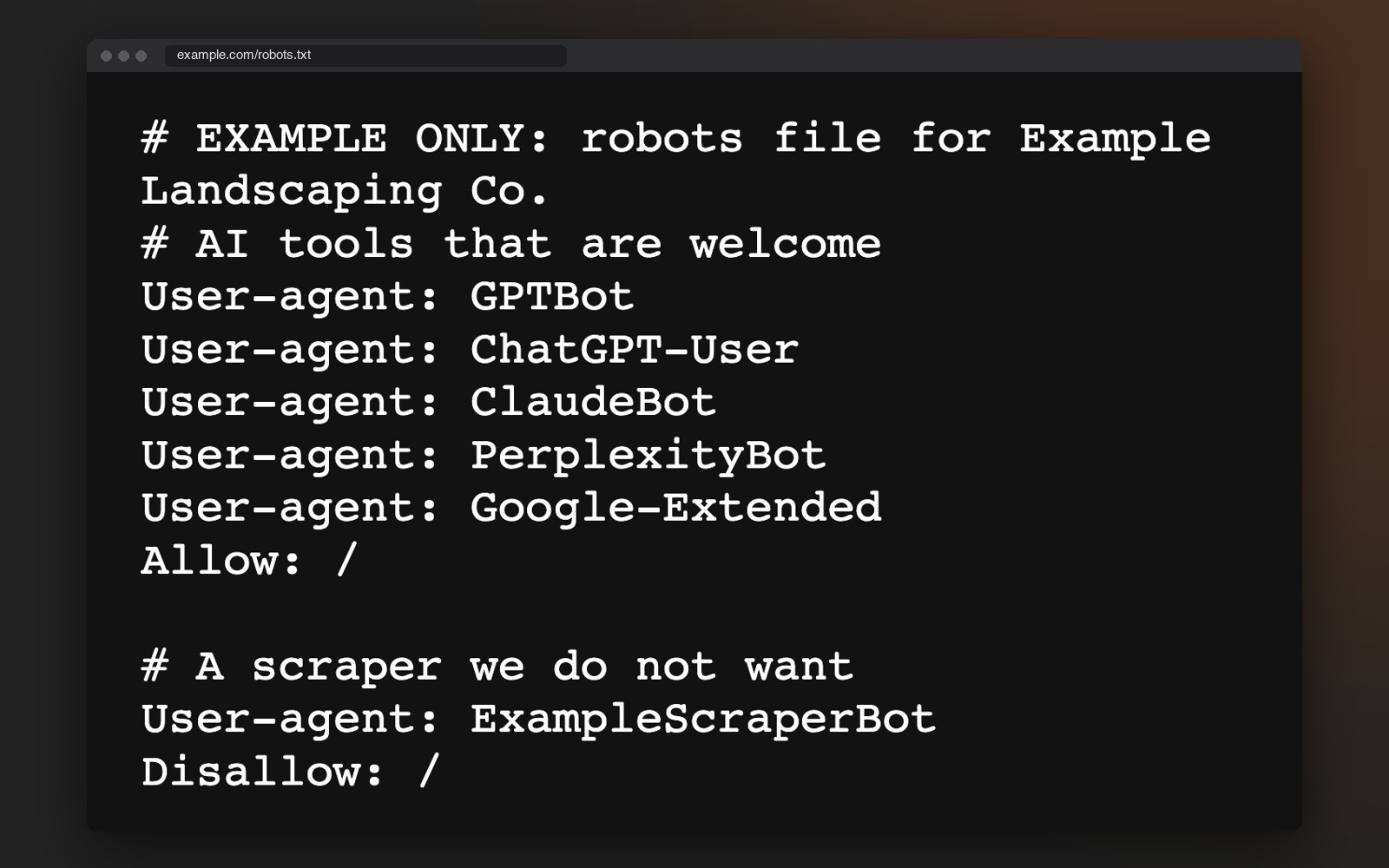
Every site has a second plain file at yourbusiness.com/robots.txt. It tells automated visitors which doors are open. We name the AI tools that are welcome, so access is a decision someone made and not an accident of the default settings.
A review you can read on the page is something a person or a tool can quote. A link to a search page is not. When we have written reviews to work with, we print them as text on the page itself.
On the sites we build, each page carries its service area and business details in the code behind it, so a tool reads the same towns you list on screen. A mismatch between your site and your Google profile is the most common cause of wrong answers we see, so we compare them when you ask.
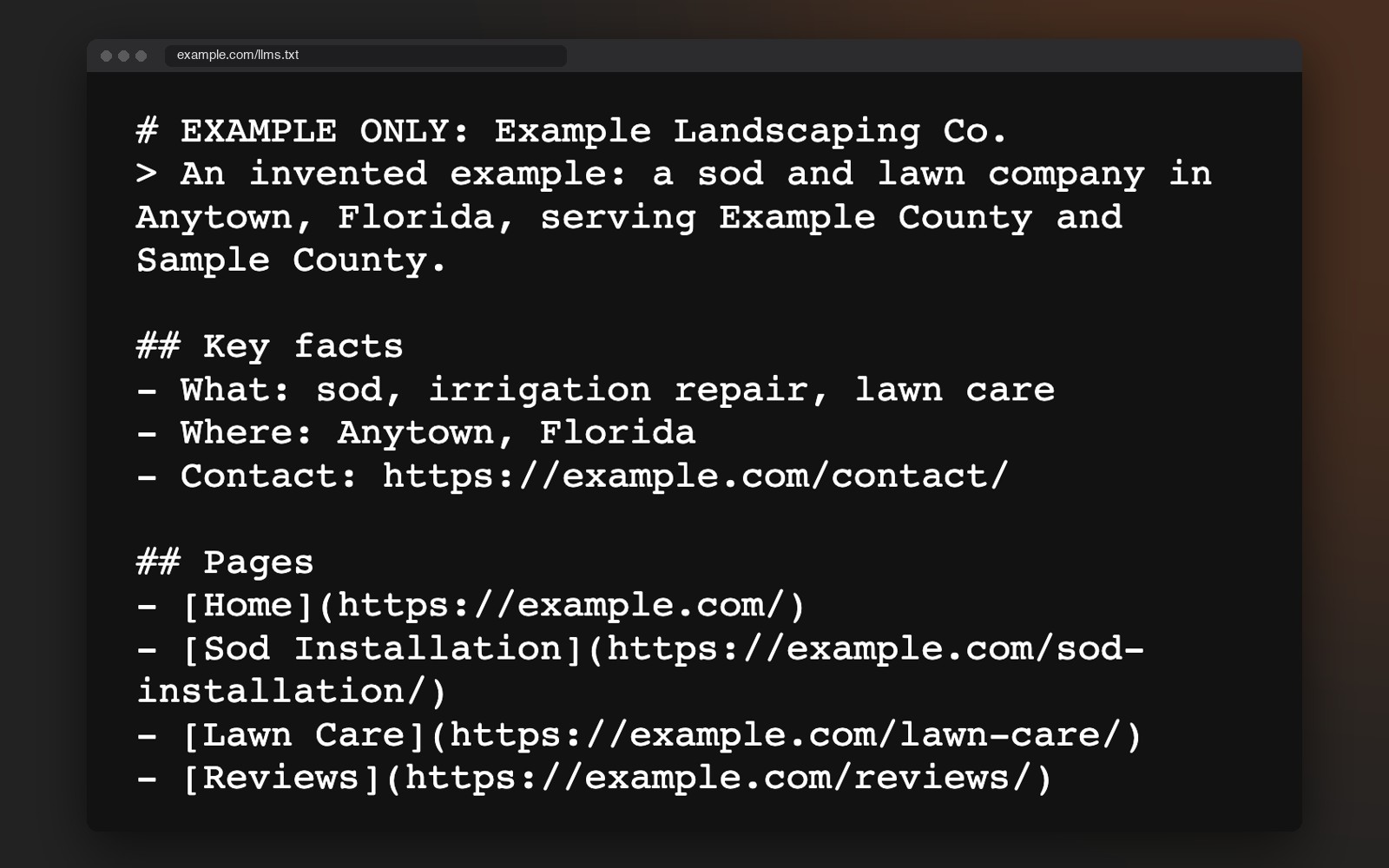
The files below are an example. Example Landscaping Co. is an invented business with example.com addresses, and the text was written fresh for this page to show the idea. It is not a file from any real business. Yours would sit at yourbusiness.com/llms.txt and yourbusiness.com/robots.txt, and you can open both in your browser today.
1. The introduction file. It opens with what the business is and where it works, then gives a short list of facts and the pages that matter. A landscaper gets asked about sod and lawn care near a specific town, so the file says exactly that.
2. The do not state rules. This is the part most businesses never think about. A short list of things a tool should not say: an address you keep private, a price that changes by job, a service you do not offer. One plain line each.
3. The robots file. It lists which AI tools are welcome to read the site and which scrapers are not. It is a decision someone makes on purpose. This example welcomes five well known AI tools and blocks one made-up scraper.
ApeShot Productions sets up files like these on the sites it builds, written for the questions that business’s own customers ask. We write each one for the business in front of us. Want to see a real one? Ours is at apeshot.com/llms.txt.
Want to know what an AI tool reads about your business today? Book a call and we will look at your site and Google profile together.
If you get a plain page of text about your business, you have one. If you get an error page, you do not. Then do the same with /robots.txt and read which AI tools it names, if any.
Ask ChatGPT and Google’s AI box what a customer would ask. The service plus your town. “Who do I call for” the thing you do. Then your business name by itself. Read what comes back.
Wrong hours, wrong phone, wrong town, a service you do not offer, or no mention at all. A wrong answer usually traces to one place where the facts disagree: an old directory listing, a Facebook page nobody updated or a site page that says something else.
Do your phone number and service towns match on the site and on Google? Do your reviews exist as text on your site? Is your service area spelled out in towns, not just a county name?
You cannot edit what ChatGPT says. You can edit the pages it reads. Fix the biggest mismatch first, then ask the same three questions again later and see what changed.
Book a free 30-minute call. If you already have a site and a Google profile, we look at both first. Then we talk through what we found and what to fix first.